 QRJiffy
Google Forms QR Code Generator
A Google Forms QR code opens a Google Form on the scanner’s phone, so people sign up, vote, take a quiz or answer a survey without typing the link. Google Forms has no built-in QR code button. You copy the form’s short link from the Send dialog and turn it into a QR code here.
Just your email to download · no password needed
Short link:
Change where it points any time — the printed code stays the same. Free for 200 scans a month.
Encoded data
How to create a Google Forms QR code
You create a Google Forms QR code in 5 steps with the free generator above, and the code is ready to download as PNG or SVG.
- Open your form in Google Forms and click Send in the top-right corner.
- Click the link icon (the second tab) and tick Shorten URL.
- Click Copy to copy the
forms.glelink. - Paste the link into the generator above and download the QR code as PNG or SVG.
- Scan the code with your phone while signed out of Google to confirm respondents see the form, not the editor.
What does a Google Forms QR code contain?
A Google Forms QR code stores form link, plus optional pre-filled answers, response settings.
| Payload standard | forms.gle short link (22 characters) or /viewform URL |
|---|---|
| Native camera support | iPhone iOS 11+, Android 9+ |
| Needs internet to use | Yes |
| Change after printing | Edit the questions freely, or point the code at a new form in your QRJiffy dashboard |
| Scan tracking | Scans in your QRJiffy dashboard; responses in the form’s Responses tab |
| Recommended error correction | M (15%); the short link keeps the code sparse |
| Minimum print size | 2 × 2 cm (0.8 in) |
| Field | Required | What it does | Example |
|---|---|---|---|
| Form link | Yes | The public forms.gle or /viewform link from the Send dialog. | https://forms.gle/… |
| Pre-filled answers | Optional | A pre-filled link fills fields such as event name or room automatically. | ?entry.123=Room+4 |
| Response settings | Optional | Sign-in requirement and the one-response limit. | Limit to 1 response |
Google Forms QR code payload format
https://forms.gle/<id> · https://docs.google.com/forms/d/e/<id>/viewform
https://forms.gle/AbCdEf123
Use the viewform or forms.gle link. The /edit link from the address bar opens the editor and asks scanners for edit access.
Format reference: RFC 3986: URI generic syntax (IETF)

How to extract QR code from Google Forms?
Google Forms has no QR code to extract; Google Forms only gives a link. Copy the link from Send › link icon and paste it into a QR code generator to create the code.
How can I create a QR code for my Google Forms for free?
Paste the form’s forms.gle link into the QRJiffy generator above and download the PNG or SVG: the code is free and has no watermark.
How do I generate a QR code in Google?
Google Chrome generates a QR code for any open page: right-click the page or click the share icon in the address bar and choose “Create QR code”. Chrome’s code has no colour or SVG options and a dinosaur in the centre.
Can I create a QR code from my Google Form if I don’t own it?
Yes. Any public form link works; copy it from the form you open and paste it into the generator. The owner controls whether the form accepts responses.
What happens when someone scans a Google Forms QR code?
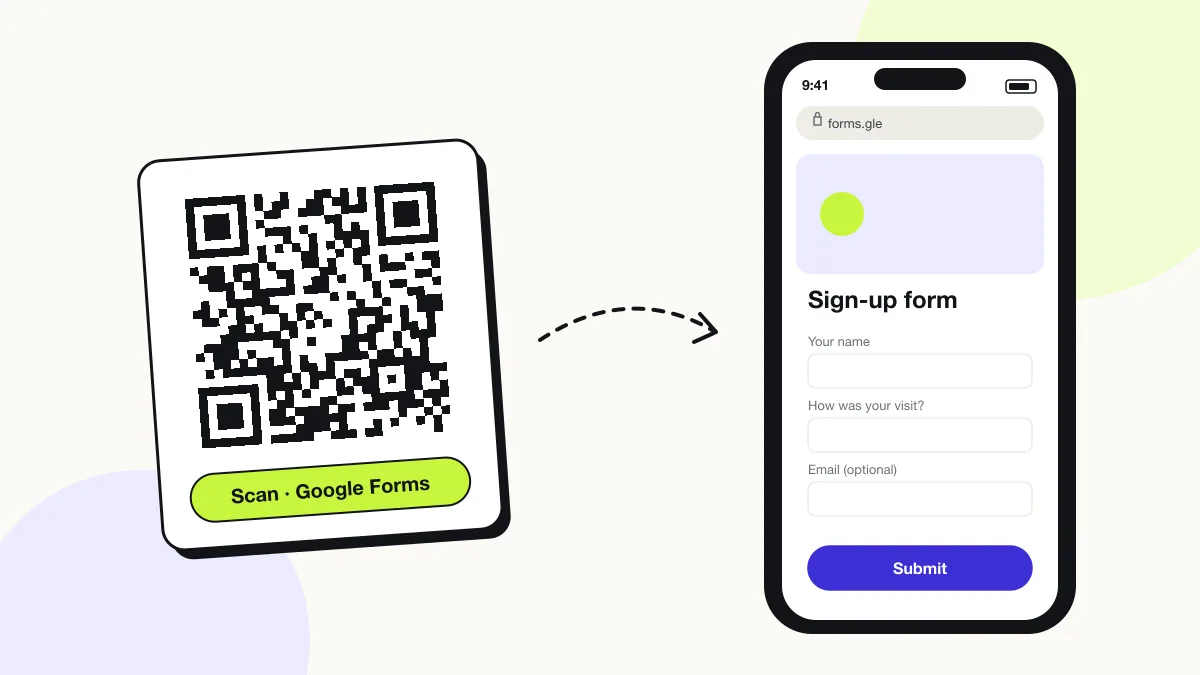
The phone camera decodes a Google Forms QR code in under a second and shows a prompt; tapping it starts the action stored in the code. The prompt differs by device:
iPhone
The camera opens the form in Safari; respondents submit without an app.
Android
The form opens in Chrome or the Google app.
School and work accounts
Forms restricted to an organisation ask the respondent to sign in with that domain’s account.
How many scans does a free Google Forms QR code get?
A free account gets 200 scans a month across all its codes; Pro removes the limit for $30 a year. One scan is one phone opening the code. Each code uses a QRJiffy short link, so you can change where it points after printing and see scan counts. Compare Free and Pro.
Where to use Google Forms QR codes
Google Forms QR codes work in 4 common places: classrooms, event sign-up, volunteer rosters and feedback at events.
Classrooms
Teachers run quizzes, exit tickets and attendance forms.
Event sign-up
A code on a poster collects names and emails for a workshop.
Volunteer rosters
Volunteers pick shifts from a code on a flyer.
Feedback at events
A code on the final slide collects ratings.
Google Forms QR code best practices
A Google Forms QR code scans first time when it follows these 5 rules.
- Use the
forms.gleshort link: 22 characters make a sparse, fast-scanning code. - Never use the
/editlink from the address bar. - Turn off “Restrict to users in your organisation” for public audiences.
- Test the code while signed out of Google.
- Close the form in Settings › Responses when the event ends.
Google Forms QR code FAQ
What do scanners see when the form is closed?
Google shows “This form is no longer accepting responses”. Turn responses back on and the printed code works again.
Can I edit my Google Form after making the QR code?
Yes. Questions, titles and settings change without changing the link, so the printed code keeps working.
Why does my Google Forms QR code ask people to sign in?
The form restricts responses to an organisation or limits one response per person. Change these in Settings › Responses.
Can a QR code pre-fill a Google Form?
Yes. Create a pre-filled link (⋮ › Get pre-filled link) and encode that link in the QR code.