 QRJiffy
Payment QR Code Generator
A payment QR code opens a payment app with your account already selected, so the payer only types the amount and confirms. QRJiffy builds payment QR codes for 4 networks: Venmo, PayPal.me, Cash App and UPI. The code stores a public pay link or UPI address, never a card number or password.
Just your email to download · no password needed
Short link:
Change where it points any time — the printed code stays the same. Free for 200 scans a month.
Encoded data
How to create a payment QR code
You create a payment QR code in 5 steps with the free generator above, and the code is ready to download as PNG or SVG.
- Choose the payment app your customers already use.
- Enter your username, $Cashtag or UPI ID exactly as it appears in the app.
- Add an amount only for a fixed price, such as a ticket or a class fee.
- Download the code and print your payee name beside it.
- Scan the printed code and send yourself a test payment before you display it.
What does a payment QR code contain?
A payment QR code stores payment app, payee ID, plus optional amount, payee name, note.
| Payload standard | Public pay link (Venmo, PayPal.me, Cash App) or NPCI UPI intent (upi://pay) |
|---|---|
| Native camera support | iPhone iOS 11+, Android 9+; UPI codes are scanned inside a UPI app |
| Needs internet to use | Yes — the payment app confirms the transfer online |
| Editable after printing | PayPal, Venmo and Cash App: yes, in your QRJiffy dashboard · UPI: no, print a new code |
| Scan tracking | PayPal, Venmo and Cash App: scans in your QRJiffy dashboard · UPI: payments in your bank app |
| Recommended error correction | Q (25%) for counter signs and stickers that get handled |
| Minimum print size | 2.5 × 2.5 cm (1 in) on a counter sign; 2 × 2 cm on a flyer |
| Field | Required | What it does | Example |
|---|---|---|---|
| Payment app | Yes | The network the code opens: Venmo, PayPal.me, Cash App or UPI. | PayPal.me |
| Payee ID | Yes | The public identifier that receives money: a username, a $Cashtag or a UPI ID. | riversidebakery |
| Amount | Optional | A fixed amount pre-filled on the payer’s screen. Leave it empty for a reusable code. | 25 |
| Payee name | Optional | The display name UPI apps show before the payer confirms. | Riverside Bakery |
| Note | Optional | A UPI transaction note shown on both statements. | Order 1042 |
Payment QR code payload format
https://venmo.com/u/<username>
https://paypal.me/<username>/<amount>
https://cash.app/$<cashtag>/<amount>
upi://pay?pa=<upi-id>&pn=<name>&am=<amount>&cu=INR
https://paypal.me/riversidebakery/25
Venmo, PayPal.me and Cash App codes store a public web link that hands over to the app. UPI codes store a upi:// intent that every UPI app in India reads directly. None of these payloads contains a password, card number or bank account number.
Format reference: RFC 3986: URI generic syntax (IETF)

What is pay with QR?
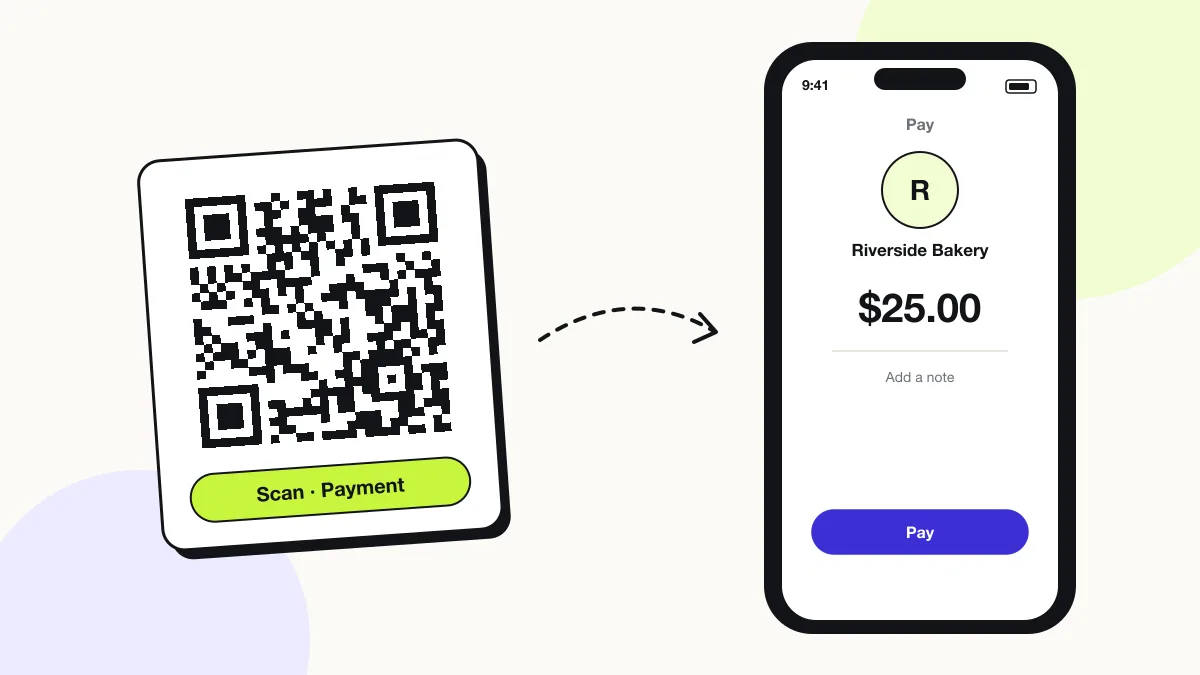
Pay with QR is a payment where the payer scans a code that opens their payment app with the recipient already filled in.
The payer checks the name, types or confirms the amount and approves the transfer in the app. The QR code itself moves no money; it only carries the recipient’s address.
Do you have to pay a monthly fee for a QR code?
No, QRJiffy has no monthly fee: a free account gets 200 scans a month across all its codes, and Pro costs $30 a year for unlimited scans.
The code carries your pay link, so payments go straight to your Venmo, PayPal, Cash App or UPI account. QRJiffy never touches the money and takes no cut.
What is the downside of QR codes for payments?
The main downside is fraud: a scammer can stick a fake QR code over a real one and redirect payments to their own account.
- Payers cannot read a QR code by eye, so they rely on the name the app shows.
- A printed UPI code cannot be changed; a new UPI ID needs a new code.
- Every payment needs mobile data or WiFi.
Which payment app should a QR code use?
Use the app most of your payers already have: Venmo or Cash App for US individuals, PayPal for international payers, and UPI for India.
| App | Region | Amount pre-filled | Payload |
|---|---|---|---|
| Venmo QR Code Generator | United States | No | venmo.com/u/… |
| PayPal.me | 200+ markets | Yes | paypal.me/…/25 |
| Cash App | United States, United Kingdom | Yes | cash.app/$…/25 |
| UPI | India | Yes | upi://pay?pa=… |
What happens when someone scans a payment QR code?
The phone camera decodes a payment QR code in under a second and shows a prompt; tapping it starts the action stored in the code. The prompt differs by device:
iPhone
The Camera app reads the pay link and opens Venmo, PayPal or Cash App if installed, or the provider’s web page if not.
Android
Google Lens and the Camera app open the same pay link; Android asks which app to use when 2 apps can handle it.
UPI apps
Google Pay, PhonePe, Paytm and BHIM scan upi:// codes from their own in-app scanner and show the payee name before payment.
How many scans does a free payment QR code get?
A free account gets 200 scans a month across all its codes; Pro removes the limit for $30 a year. One scan is one phone opening the code. Each code uses a QRJiffy short link, so you can change where it points after printing and see scan counts. Compare Free and Pro.
Where to use payment QR codes
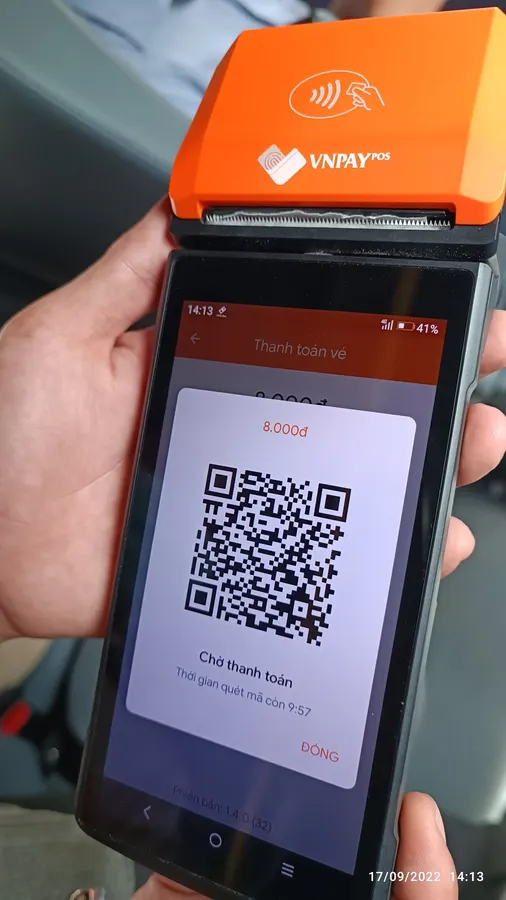
Payment QR codes work in 4 common places: market stalls, tips and donations, invoices and shops in India.
Market stalls
A laminated counter sign takes Venmo or Cash App payments without a card reader.
Tips and donations
Musicians, guides and charities print a code with no fixed amount.
Invoices
A PayPal.me code with the invoice total lets clients pay from the printed page.
Shops in India
A UPI code accepts payments from every UPI app with no merchant fee for person-to-merchant transfers on UPI.
Payment QR code best practices
A payment QR code scans first time when it follows these 5 rules.
- Print the payee name next to the code so customers can check it against the name their app shows before they pay.
- Check your signs daily: QR scams (“quishing”) paste a fake payment sticker over the real code.
- Laminate counter signs or print them behind acrylic so a sticker cannot be placed on top unnoticed.
- Scan the downloaded file with your own phone and send a 1-unit test payment before you print 100 copies.
- Choose error correction Q for signs that get touched, splashed or scratched.
Payment QR code FAQ
Can I get a QR code without a subscription?
Yes. QRJiffy creates payment QR codes free, with no monthly subscription; a free account keeps them in one place.
Is it safe to share a payment QR code?
Yes. The code contains only your public username, $Cashtag or UPI ID, which anyone you pay or who pays you already sees.
Can one QR code accept Venmo and PayPal?
No. A QR code stores one pay link, so it opens one payment app. Print 2 codes side by side, or link a single code to a page that lists both options.
Does a payment QR code work for Zelle?
No. Zelle has no public pay-link format, so its QR code is generated inside the Zelle or banking app. See how to find your Zelle QR code.