 QRJiffy
QR Code Menu Generator for Restaurants
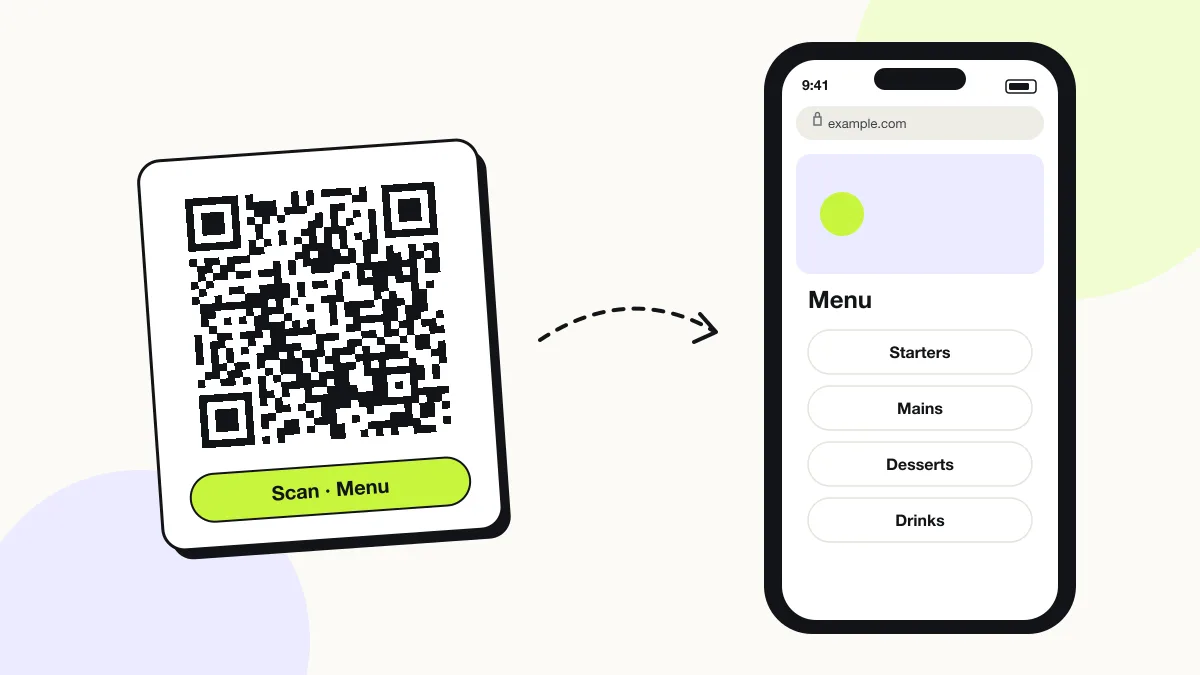
A QR code menu opens a restaurant’s menu on the diner’s phone, so guests view dishes, prices and allergens without a printed menu. It links to a menu PDF, a menu web page or an online-ordering page. Restaurants print it on table tents, stickers and window signs.
Just your email to download · no password needed
Short link:
Change where it points any time — the printed code stays the same. Free for 200 scans a month.
Encoded data
How to create a menu QR code
You create a menu QR code in 5 steps with the free generator above, and the code is ready to download as PNG or SVG.
- Publish your menu at a fixed address: a page on your website or a PDF with a public share link.
- Paste that link into the generator, or upload the menu PDF or image and QRJiffy hosts it.
- Pick error correction Q so a smudged or wet code still scans.
- Download SVG and place it on a table-tent template at least 3 × 3 cm, with “Scan for the menu” above it.
- Scan the printed tent on an iPhone and an Android phone before placing it on every table.
What does a menu QR code contain?
A menu QR code stores menu link, plus optional sections and items, allergens and dietary tags, languages, table number.
| Payload standard | Plain https:// URL stored as UTF-8 text |
|---|---|
| Native camera support | iPhone iOS 11+, Android 9+ (camera or Google Lens) |
| Needs internet to use | Yes — the scan opens a web page |
| Change after printing | Yes — change the destination in your QRJiffy dashboard; the printed code stays the same |
| Scan tracking | Scans by day, device and country in your QRJiffy dashboard; UTM tags add Google Analytics detail |
| Recommended error correction | Q (25%) for tables that get wiped and spilled on |
| Minimum print size | 3 × 3 cm (1.2 in) on table tents read at arm’s length |
| Field | Required | What it does | Example |
|---|---|---|---|
| Menu link | Yes | The menu page, PDF or ordering link the code opens. | https://example.com/menu |
| Sections and items | Optional | Dish names, descriptions and prices grouped by course. | Margherita — $14 |
| Allergens and dietary tags | Optional | Vegan, gluten-free and allergen labels; the EU requires allergen information for 14 allergens. | GF, V, contains nuts |
| Languages | Optional | Translated menu versions for tourists. | EN / ES / FR |
| Table number | Optional | A per-table code or parameter when the menu links to ordering. | ?table=12 |
Menu QR code payload format
https://<your-domain>/menu · https://<host>/menu.pdf
https://example.com/menu?utm_source=qr&utm_medium=table
The printed code holds a QRJiffy short link, not the menu. Upload a new menu or change the link in your dashboard when prices change — the printed code keeps working.
Format reference: RFC 3986: URI generic syntax (IETF)

How do you print a QR code menu for tables?
Print the menu QR code on an A6 or 4 × 6 in table tent, at least 3 × 3 cm, with a short call to action and the restaurant name.
- Use 300 gsm card or a laminated sheet so the tent survives wiping.
- Print the code in black or a dark brand colour on white.
- Add a text fallback: the short menu URL under the code.
- Print one code per table if the link carries a table number.
Can you change a QR code menu without reprinting it?
Yes: upload the new menu or change the link in your QRJiffy dashboard, and the printed code shows the new menu from the next scan. Prices and dishes change without reprinting a single table tent.
Should a QR code menu open a PDF or a web page?
A web page reads better on phones; a PDF is faster to set up. PDFs force pinch-zooming on a 6-inch screen, so convert a long PDF menu to a page when you have time.
What happens when someone scans a menu QR code?
The phone camera decodes a menu QR code in under a second and shows a prompt; tapping it starts the action stored in the code. The prompt differs by device:
iPhone
The Camera app shows the link; Safari opens the page or the PDF viewer.
Android
Google Lens or the camera opens the link in Chrome; PDFs open in the Drive or browser viewer.
Accessibility
Keep 3–5 printed menus for guests without a smartphone or with low vision.
How many scans does a free menu QR code get?
A free account gets 200 scans a month across all its codes; Pro removes the limit for $30 a year. One scan is one phone opening the code. Each code uses a QRJiffy short link, so you can change where it points after printing and see scan counts. Compare Free and Pro.
Where to use menu QR codes
Menu QR codes work in 4 common places: restaurants, cafés and bars, food trucks and hotel room service.
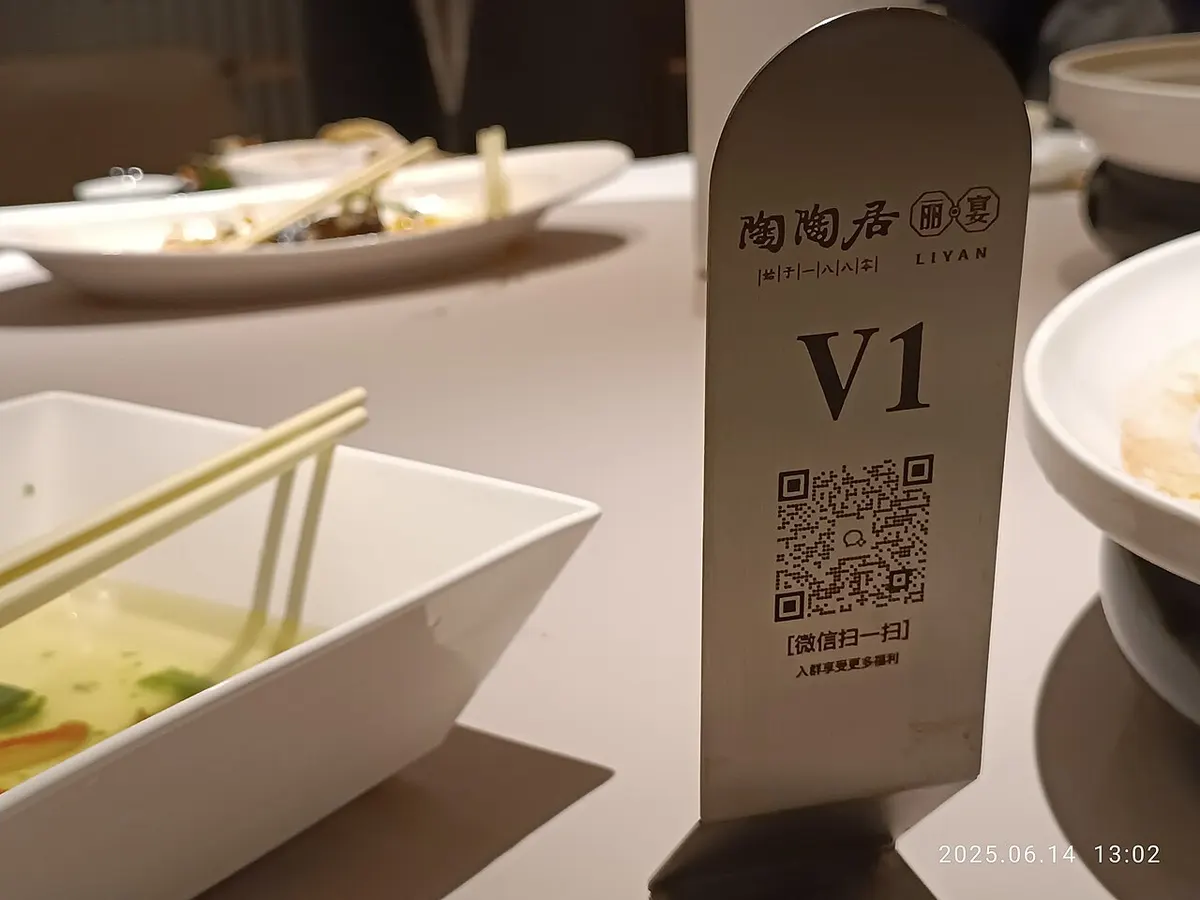
Restaurants
Table tents replace laminated menus and show daily specials.
Cafés and bars
A counter sticker shows drinks and prices while the queue moves.
Food trucks
A code on the window shows the full menu that the board cannot fit.
Hotel room service
A code in each room opens the in-room dining menu.
Menu QR code best practices
A menu QR code scans first time when it follows these 5 rules.
- Keep the menu link fixed and update the content behind it.
- Show allergens and dietary tags beside each dish.
- Make the menu page load in under 3 seconds on 4G.
- Put the code where diners look first: the table centre, not the wall.
- Keep a few printed menus for guests without a phone.
Menu QR code FAQ
Is a QR code menu free?
Yes. A menu QR code from QRJiffy is free to create, and a free account hosts the menu file for you.
Can I make a QR code menu from a PDF?
Yes. Upload the PDF to QRJiffy with a free account, or paste a public link to a PDF on your website or a file host.
Can a QR code menu take orders?
Yes, when the code links to an online-ordering page from your POS or ordering provider; the QR code itself only opens the link.
How big should a QR code menu be on a table?
At least 3 × 3 cm (1.2 in). Diners scan from 20–30 cm, and a larger code scans faster in dim light.