 QRJiffy
App Store QR Code Generator (iOS & Google Play)
An app download QR code opens an app’s listing in the Apple App Store or Google Play, so people install the app without searching for it. The generator here makes a code for one store link. With a free QRJiffy account, one smart code sends iPhones to the App Store and Android phones to Google Play.
Just your email to download · no password needed
Short link:
Change where it points any time — the printed code stays the same. Free for 200 scans a month.
Encoded data
How to create an app download QR code
You create an app download QR code in 5 steps with the free generator above, and the code is ready to download as PNG or SVG.
- Copy your app’s link: App Store › Share › Copy Link, or Google Play › ⋮ › Share.
- Add a campaign token, for example
?ct=poster(App Store) or&utm_source=qr(Google Play). - Paste the link into the App Store link field and download the QR code.
- Print the store badge (“Download on the App Store” / “Get it on Google Play”) next to the matching code.
- Scan each code on the matching phone and confirm the install button appears.
Do you need an app to scan a QR code?
No. iPhones (iOS 11 and later) and Android phones (Android 9 and later with Google Lens) scan QR codes with the built-in camera. Scanner apps from the stores are unnecessary; this page creates a code that opens your own app’s listing. To scan a code on a laptop, use the browser-based QRJiffy scanner.
What does an app download QR code contain?
An app download QR code stores app Store link, plus optional Google Play link, campaign token, fallback page.
| Payload standard | apps.apple.com or play.google.com URL |
|---|---|
| Native camera support | iPhone iOS 11+, Android 9+ |
| Needs internet to use | Yes |
| Change after printing | Yes — update either store link in your QRJiffy dashboard |
| Scan tracking | Scans by device and OS in your QRJiffy dashboard; installs via store campaign tokens |
| Recommended error correction | M (15%) |
| Minimum print size | 2 × 2 cm (0.8 in) |
| Field | Required | What it does | Example |
|---|---|---|---|
| App Store link | Yes | Your iOS app’s apps.apple.com URL. | https://apps.apple.com/app/id284882215 |
| Google Play link | Optional | Your Android app’s Play URL with the package id. | …details?id=com.example.app |
| Campaign token | Optional | App Store Connect `ct=` or Google Play `utm_source=` to attribute installs. | ?ct=poster-spring |
| Fallback page | Optional | Where desktop and other devices go (smart code). | https://example.com/app |
App download QR code payload format
https://apps.apple.com/app/id<app-id> · https://play.google.com/store/apps/details?id=<package>
https://apps.apple.com/app/id284882215
An App Store link opened on Android shows a web page with no install button, and the same happens to a Play link on iPhone. Mixed audiences need one smart code, which QRJiffy builds from both links.
Format reference: RFC 3986: URI generic syntax (IETF)

How to open an app using QR code?
Encode a universal link (iOS) or an app link (Android) that your app registers: phones with the app open it, and phones without it open the web page. A store link opens the listing, not the installed app.
Can one QR code open both the App Store and Google Play?
Yes, with a smart link: it detects the phone’s operating system and redirects to the right store. Build it free in your QRJiffy dashboard from both store links; a plain store link opens one store only.
What happens when someone scans an app download QR code?
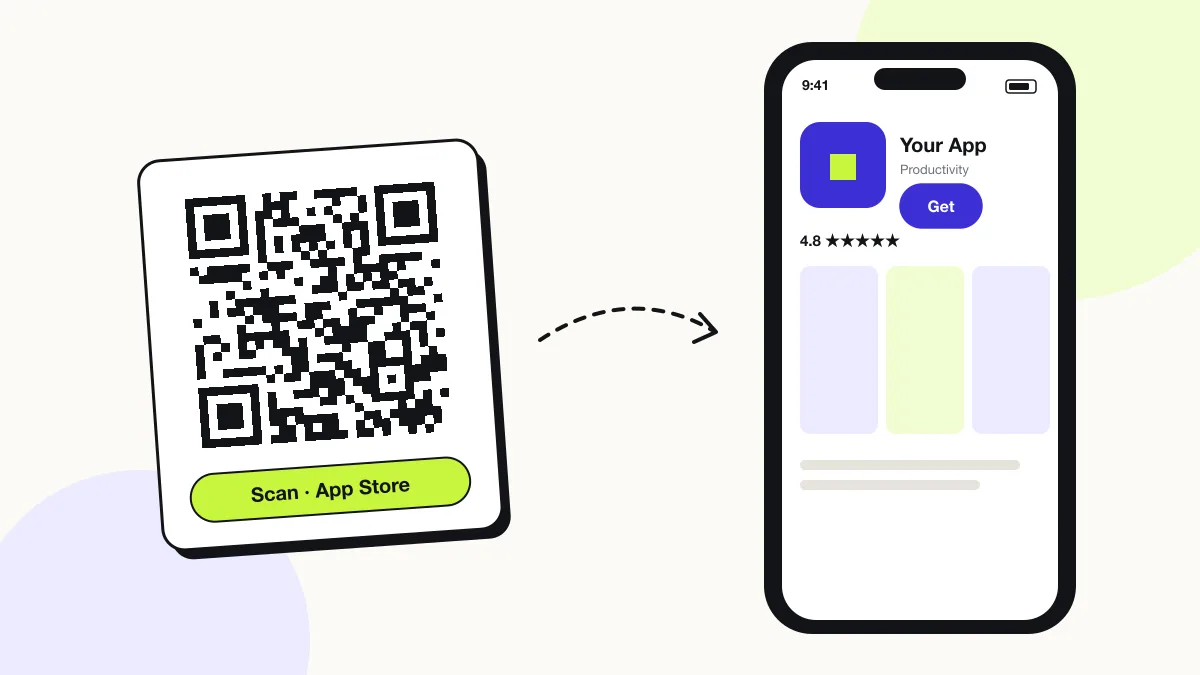
The phone camera decodes an app download QR code in under a second and shows a prompt; tapping it starts the action stored in the code. The prompt differs by device:
iPhone
An App Store link opens the App Store app on the listing with the Get button.
Android
A Google Play link opens the Play Store app on the listing with the Install button.
Wrong store
An App Store link on Android opens a web preview without an install button.
How many scans does a free app download QR code get?
A free account gets 200 scans a month across all its codes; Pro removes the limit for $30 a year. One scan is one phone opening the code. Each code uses a QRJiffy short link, so you can change where it points after printing and see scan counts. Compare Free and Pro.
Where to use app download QR codes
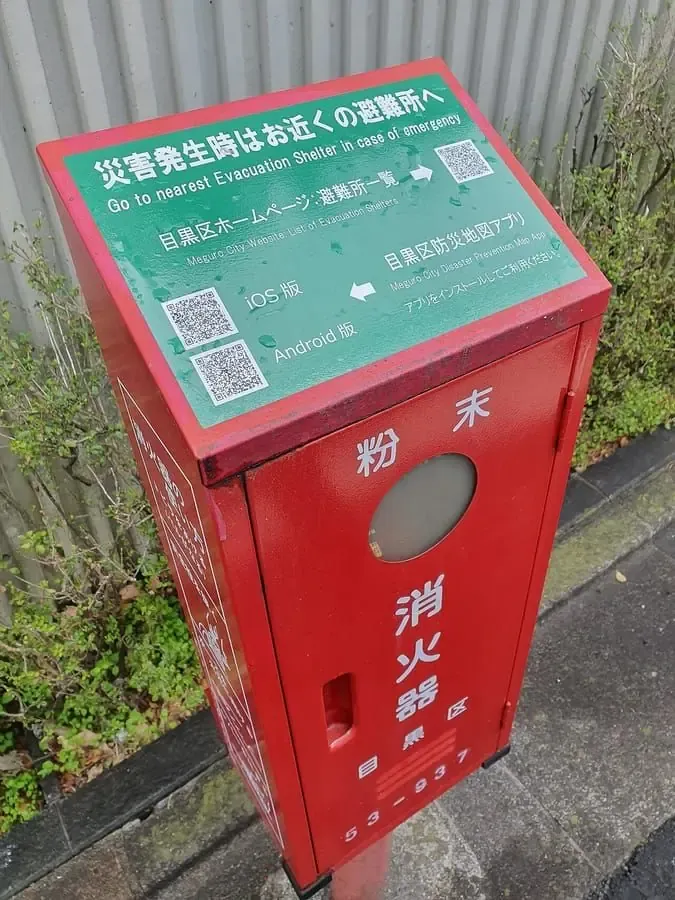
App download QR codes work in 4 common places: retail and restaurants, packaging, tV and screens and events.
Retail and restaurants
A counter sign drives loyalty-app installs at checkout.
Packaging
A code on a connected device’s box installs the companion app.
TV and screens
A code on screen lets viewers install from the sofa.
Events
A code on the badge installs the event app.
App download QR code best practices
An app download QR code scans first time when it follows these 5 rules.
- Print the official store badge next to each code.
- Use campaign tokens to attribute installs per placement.
- Use one smart code for mixed audiences instead of two labelled codes.
- Test on both platforms before printing.
- Link universal links when the app is already installed widely.
App download QR code FAQ
Is an app download QR code free?
Yes. An app QR code from QRJiffy is free, and store links cost nothing to share.
Can I track app installs from a QR code?
Yes. App Store Connect reports installs per `ct=` campaign token and Google Play Console reports installs per UTM source.
What is the best free QR app?
The phone camera: iPhone and Android cameras scan QR codes without any app. To create codes, a web generator such as QRJiffy needs no install.
Does an app QR code work on a computer?
Desktop webcams rarely scan codes; on a computer the link shows the store’s web listing.