 QRJiffy
Instagram QR Code Generator
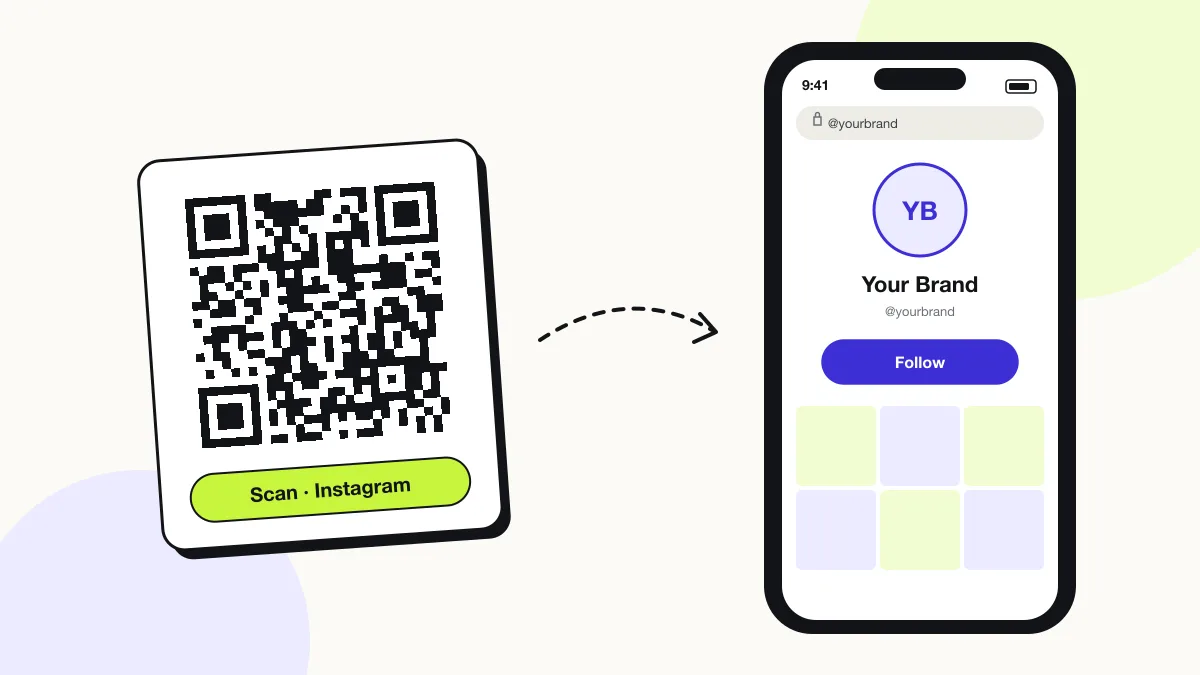
An Instagram QR code opens an Instagram profile, post or reel in the Instagram app, so people follow you without searching for your handle. Instagram’s app makes its own profile code; this generator adds any colour, any post or reel link, and a vector SVG that prints sharply on menus, packaging and posters.
Just your email to download · no password needed
Short link:
Change where it points any time — the printed code stays the same. Free for 200 scans a month.
Encoded data
How to create an Instagram QR code
You create an Instagram QR code in 5 steps with the free generator above, and the code is ready to download as PNG or SVG.
- Open your Instagram profile, tap Share profile, then Copy link.
- Paste the link into the field above and delete everything after the username.
- Pick a dark brand colour; keep a white background.
- Download SVG for print or PNG for stories and screens.
- Scan the downloaded file with a second phone to confirm it opens the right account.
Where is my Instagram QR code?
Your Instagram QR code is on your profile: tap Share profile, and the app shows your code with a Download option. Older app versions place it under the ☰ menu › QR code.
- Open Instagram and go to your profile.
- Tap Share profile below your bio.
- Tap the background to switch between colour, emoji and selfie styles.
- Tap Download to save the code as an image to your camera roll.
Instagram’s built-in QR code vs a QRJiffy Instagram QR code: what is the difference?
Instagram’s built-in code always opens your profile and saves as a phone image; a QRJiffy code opens any profile, post or reel and downloads as a print-ready vector. Both scan in every phone camera.
| Attribute | Instagram app QR code | QRJiffy Instagram QR code |
|---|---|---|
| Destination | Your own profile only | Any profile, post, reel or highlight |
| Colours | 3 preset styles (colour, emoji, selfie) | Any foreground and background colour |
| File format | Phone image (PNG) | PNG up to 1,200 px and vector SVG |
| Error correction | Fixed | L, M, Q or H |
| Requires an Instagram login | Yes | No |
What does an Instagram QR code contain?
An Instagram QR code stores Instagram URL, plus optional username, colours, error correction.
| Payload standard | Plain instagram.com URL (UTF-8 text) |
|---|---|
| Native camera support | iPhone iOS 11+, Android 9+ (Google Lens / camera) |
| Needs internet to use | Yes — the profile loads in the app or browser |
| Change after printing | Yes — point the code at a new profile or page in your QRJiffy dashboard; the printed code stays the same |
| Scan tracking | Scans by day, device and country in your QRJiffy dashboard |
| Opens in | The platform’s app when installed, otherwise the browser |
| Recommended error correction | M (15%); H (30%) when a logo covers the centre |
| Minimum print size | 2 × 2 cm (0.8 in) for profile URLs under 40 characters |
| Field | Required | What it does | Example |
|---|---|---|---|
| Instagram URL | Yes | A profile, post, reel or highlight link. A profile link grows followers; a post link promotes one piece of content. | https://www.instagram.com/yourbrand |
| Username | Optional | Your @handle printed beneath the code for people who prefer to search. | @yourbrand |
| Colours | Optional | Brand colours for the code. Dark on light scans fastest. | #8A2E6B on #FFFFFF |
| Error correction | Optional | Use H (30%) when a logo overlays the centre. | H |
Instagram QR code payload format
https://www.instagram.com/<username>
https://www.instagram.com/yourbrand
Remove the ?igsh=… share parameter that Instagram appends to copied links. It adds 20+ characters, which makes the code denser without changing where it opens.
Format reference: RFC 3986: URI generic syntax (IETF)

Can I put a QR code on Instagram?
Yes, you can post a QR code on Instagram as an image, story or reel frame, but people scrolling on the same phone cannot scan it. Codes on Instagram work for viewers watching on a second screen, such as a TV or laptop; a link sticker works better for phone viewers.
What happens when someone scans an Instagram QR code?
The phone camera decodes an Instagram QR code in under a second and shows a prompt; tapping it starts the action stored in the code. The prompt differs by device:
iPhone
The Camera shows “instagram.com” in a banner; one tap opens the profile in the Instagram app when it is installed, otherwise in Safari.
Android
Google Lens or the Camera opens the link; Android app links route it straight to the Instagram app.
Inside Instagram
Instagram’s own camera scans QR codes too: open the camera, point it at the code and tap the link that appears.
How many scans does a free Instagram QR code get?
A free account gets 200 scans a month across all its codes; Pro removes the limit for $30 a year. One scan is one phone opening the code. Each code uses a QRJiffy short link, so you can change where it points after printing and see scan counts. Compare Free and Pro.
Where to use Instagram QR codes
Instagram QR codes work in 4 common places: packaging and receipts, restaurant table tents, event photo walls and shop windows.
Packaging and receipts
Customers follow the brand while the product is still in their hands.
Restaurant table tents
Diners tag you and follow before the food arrives.
Event photo walls
Guests open the event account and post with the right hashtag.
Shop windows
Passers-by see new arrivals after closing time.
Instagram QR code best practices
An Instagram QR code scans first time when it follows these 5 rules.
- Encode the clean profile URL without the
?igsh=tracking parameter. - Print the @handle under the code as a fallback.
- Print at least 2 × 2 cm on cards and 10 cm wide on posters read from 1 m.
- Pair the code with a reason to follow, for example “Scan for today’s specials”.
- Use the native Instagram code for screens; use SVG from this page for print.
Instagram QR code FAQ
How do I get a URL for my Instagram account?
Your Instagram URL is https://www.instagram.com/ followed by your username. In the app, tap Share profile › Copy link to copy it.
Is the Instagram QR code the same as the 6-digit login code?
No. The 6-digit code is a two-factor login code sent by Instagram; it is not a QR code and never appears in a generator.
Does an Instagram QR code work if the scanner has no Instagram app?
Yes. The link opens the profile on instagram.com in the browser, where visitors see public posts and a prompt to open the app.
What happens to an Instagram QR code if I change my username?
Instagram does not redirect old handles, so update the profile link in your QRJiffy dashboard after renaming; the printed code then opens the new username.