 QRJiffy
Telegram QR Code Generator
A Telegram QR code opens a Telegram chat, channel, group or bot through a t.me link, so the scanner starts messaging or subscribes in one tap. Communities, support teams and bot builders print it on posters and packaging. Enter a public username and the generator builds the t.me link.
Just your email to download · no password needed
Short link:
Change where it points any time — the printed code stays the same. Free for 200 scans a month.
Encoded data
How to create a Telegram QR code
You create a Telegram QR code in 5 steps with the free generator above, and the code is ready to download as PNG or SVG.
- Type the public username of your chat, channel, group or bot.
- Check the encoded data: it reads https://t.me/ followed by the username.
- Choose a dark code colour on a light background.
- Download SVG for print or PNG for screens.
- Scan the code and confirm Telegram opens the right chat.
What does a Telegram QR code contain?
A Telegram QR code stores username, plus optional invite link, colours, error correction.
| Payload standard | https://t.me/<username> deep link (UTF-8 text) |
|---|---|
| Native camera support | iPhone iOS 11+, Android 9+ (Google Lens / camera) |
| Needs internet to use | Yes — Telegram loads the chat |
| Editable after printing | Yes — update the t.me link in your QRJiffy dashboard after a username change |
| Scan tracking | QRJiffy dashboard scans, plus Telegram channel stats for joins |
| Recommended error correction | M (15%); H (30%) with a logo |
| Minimum print size | 1.5 × 1.5 cm (0.6 in) for t.me links under 25 characters |
| Field | Required | What it does | Example |
|---|---|---|---|
| Username | Yes | The public username of a person, channel, group or bot. | @yourchannel |
| Invite link | Optional | A private group invite (t.me/+…) instead of a public username. | https://t.me/+AbCdEf123 |
| Colours | Optional | A dark code colour on a light background. | #1C5D99 on #FFFFFF |
| Error correction | Optional | M (15%) for print; H (30%) with a centre logo. | M |
Telegram QR code payload format
https://t.me/<username>
https://t.me/yourchannel
Telegram’s t.me domain is 4 characters long, so Telegram QR codes are among the sparsest social codes and scan at small sizes.
Format reference: RFC 3986: URI generic syntax (IETF)

Does Telegram have its own QR code?
Yes, Telegram shows a QR code for every public username: open the profile or channel info, tap the QR icon, and save or share it. Generate it here when you need custom colours, error correction or an SVG for print.
Is a Telegram QR code the same as the Telegram Desktop login QR code?
No, the Telegram Desktop login QR code is a one-time sign-in code shown on the computer, while a Telegram QR code permanently opens a chat or channel. Scan the login code only from Telegram › Settings › Devices.
Can a QR code invite people to a private Telegram group?
Yes, a QR code invites people to a private Telegram group when you encode the group’s invite link (t.me/+…). Revoking the invite link in Telegram disables every printed code that uses it.
What happens when someone scans a Telegram QR code?
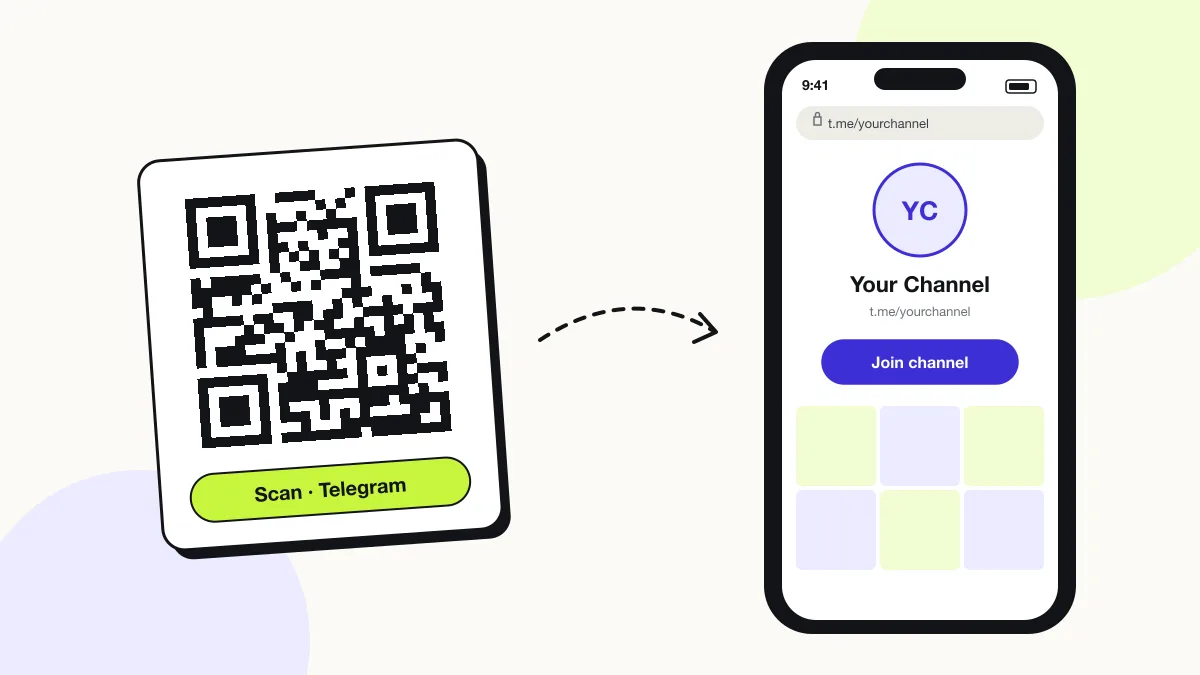
The phone camera decodes a Telegram QR code in under a second and shows a prompt; tapping it starts the action stored in the code. The prompt differs by device:
iPhone
The Camera shows “t.me”; one tap opens the chat or channel in Telegram.
Android
Google Lens or the Camera passes the t.me link to the Telegram app.
Without the app
The t.me page shows the channel name, member count and a button to install Telegram.
How many scans does a free Telegram QR code get?
A free account gets 200 scans a month across all its codes; Pro removes the limit for $30 a year. One scan is one phone opening the code. Each code uses a QRJiffy short link, so you can change where it points after printing and see scan counts. Compare Free and Pro.
Where to use Telegram QR codes
Telegram QR codes work in 4 common places: community posters, customer support, news channels and crypto and tech meetups.
Community posters
Neighbours, students or fans join the group chat in one scan.
Customer support
Packaging opens a support bot that answers order questions.
News channels
Readers subscribe to updates from a printed newsletter or flyer.
Crypto and tech meetups
Attendees join the event channel at the door.
Telegram QR code best practices
A Telegram QR code scans first time when it follows these 5 rules.
- Use a public username link for permanent posters; invite links can be revoked.
- Print the @username under the code.
- Pin a welcome message in the channel for new members.
- Keep the code at least 1.5 × 1.5 cm; t.me links stay sparse.
- Test the code on a phone where Telegram is not installed.
Telegram QR code FAQ
Is a Telegram QR code free?
Yes. The Telegram QR code here is free and needs no Telegram bot or API key.
Can a Telegram QR code open a bot?
Yes. Enter the bot’s username (ending in “bot”) and scanners open a chat with a Start button.
Why does my Telegram QR code show “username not found”?
The username is private, changed or mistyped. Confirm it under Settings › Username and regenerate the code.
Can I add a start message to a Telegram QR code?
Yes for bots: append ?start=parameter to a bot link, and the bot receives that parameter when the scanner taps Start.