 QRJiffy
Music & Audio QR Code Generator (MP3)
A music QR code plays a song, voice message or audio recording on the phone that scans it, by storing the address of an MP3 file or an audio page. Bands, podcasters, museums and gift-givers use it to put sound on paper. MP3 and M4A links play in the phone browser with no app and no login.
Just your email to download · no password needed
Short link:
Change where it points any time — the printed code stays the same. Free for 200 scans a month.
Encoded data
How to create a music QR code
You create a music QR code in 5 steps with the free generator above, and the code is ready to download as PNG or SVG.
- Export the recording as MP3 (128–192 kbps) or M4A.
- Upload it to a public host: your website, SoundCloud, Bandcamp, Dropbox or Google Drive (Anyone with the link).
- Paste the link into the Link to your audio field.
- Download the code as SVG for print or PNG for screens.
- Scan the code and press play on both an iPhone and an Android phone.
What does a music QR code contain?
A music QR code stores audio link, plus optional audio format, colours, error correction.
| Payload standard | URL of an MP3/M4A/WAV file or an audio page |
|---|---|
| Native camera support | iPhone iOS 11+, Android 9+ (plays in the browser) |
| Needs internet to use | Yes — the phone streams the audio |
| Change after printing | Yes — upload a new recording or change the link in your QRJiffy dashboard |
| Scan tracking | Scans by day, device and country in your QRJiffy dashboard |
| Audio hosting | QRJiffy (MP3, M4A, WAV, OGG or AAC upload), SoundCloud, Google Drive or your website |
| Recommended error correction | M (15%); Q (25%) for stickers and cards |
| Minimum print size | 2 × 2 cm (0.8 in) for links under 50 characters |
| Field | Required | What it does | Example |
|---|---|---|---|
| Audio link | Yes | Public address of the audio file or page. It plays without a login. | https://example.com/song.mp3 |
| Audio format | Optional | MP3 and M4A (AAC) play in every phone browser. WAV plays too but is about 10 times larger; FLAC fails in older Safari. | MP3, 128 kbps |
| Colours | Optional | Foreground and background of the code. Keep it dark on light. | #121417 on #FFFFFF |
| Error correction | Optional | Damage tolerance: L 7%, M 15%, Q 25%, H 30%. | M |
Music QR code payload format
https://<host>/<file>.mp3 | <audio page URL>
https://example.com/audio/tour-stop-1.mp3
A 3-minute MP3 at 128 kbps is about 2.9 MB, roughly 1,000 times what a QR code holds. The code stores the file’s address. A direct .mp3 link opens the browser’s audio player with play, pause and download controls.
Format reference: RFC 3986: URI generic syntax (IETF)

How do I make a QR code for a voice message?
You make a voice-message QR code by recording the message, uploading the audio file to a public link and pasting that link into the generator.
- Record with Voice Memos (iPhone) or Recorder (Android).
- Share the file to Google Drive or Dropbox and set the link to Anyone with the link.
- Paste the link above and print the code on a card, tag or gift.
Should a music QR code link to an MP3 or to a streaming service?
An MP3 link plays for everyone with no login; a streaming link opens the listener’s app and counts toward streams and followers.
| Attribute | MP3 file link | Spotify / Apple Music link |
|---|---|---|
| Account needed to play | No | Spotify: no (with ads) · Apple Music: subscription for full tracks |
| Counts as a stream | No | Yes |
| Works for unreleased audio | Yes | No |
| Download option | Yes | No |
Can a QR code play an audio guide?
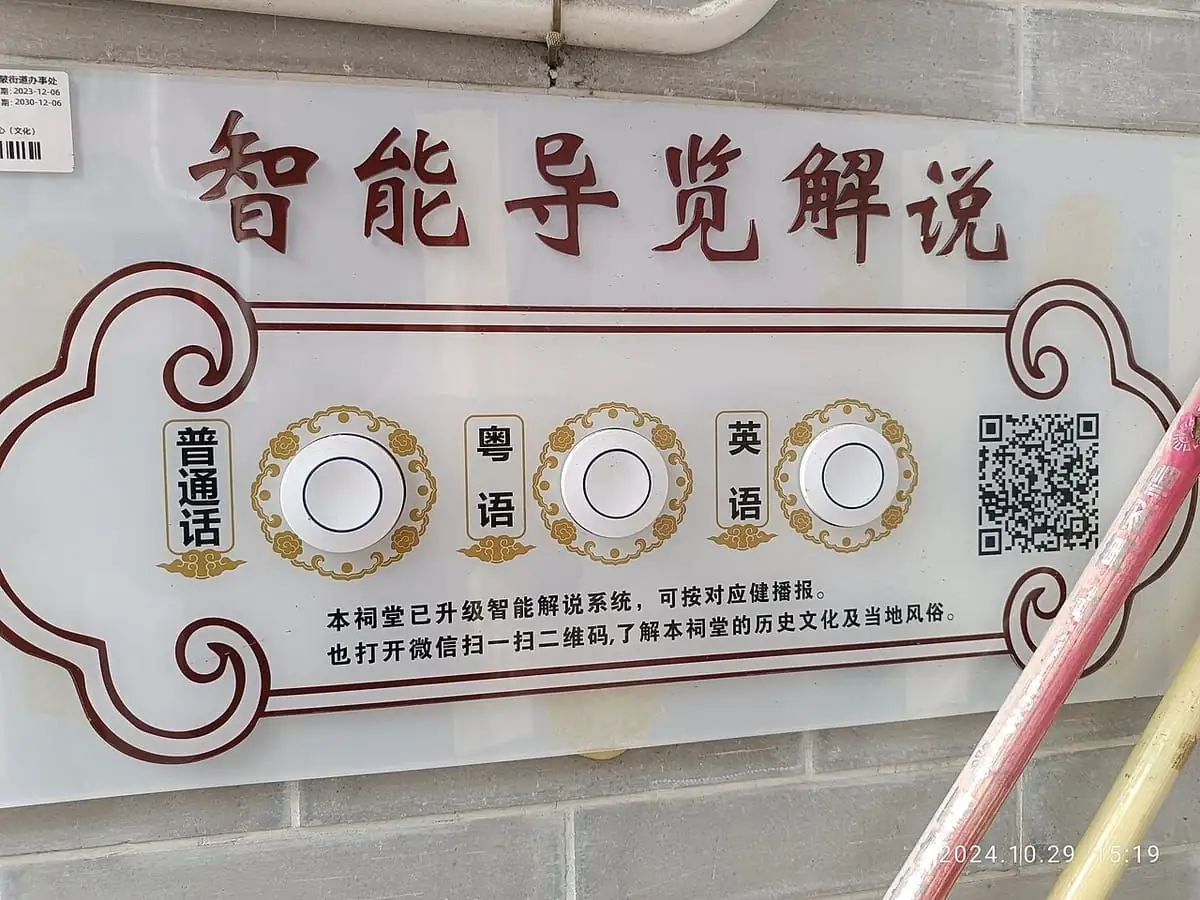
Yes — one QR code per exhibit plays that stop’s audio file, replacing rented audio-guide handsets.
Name the files by stop number (for example stop-07.mp3) and print the number beside each code. Visitors use their own headphones and phones, and the guide costs nothing per visitor.
What happens when someone scans a music QR code?
The phone camera decodes a music QR code in under a second and shows a prompt; tapping it starts the action stored in the code. The prompt differs by device:
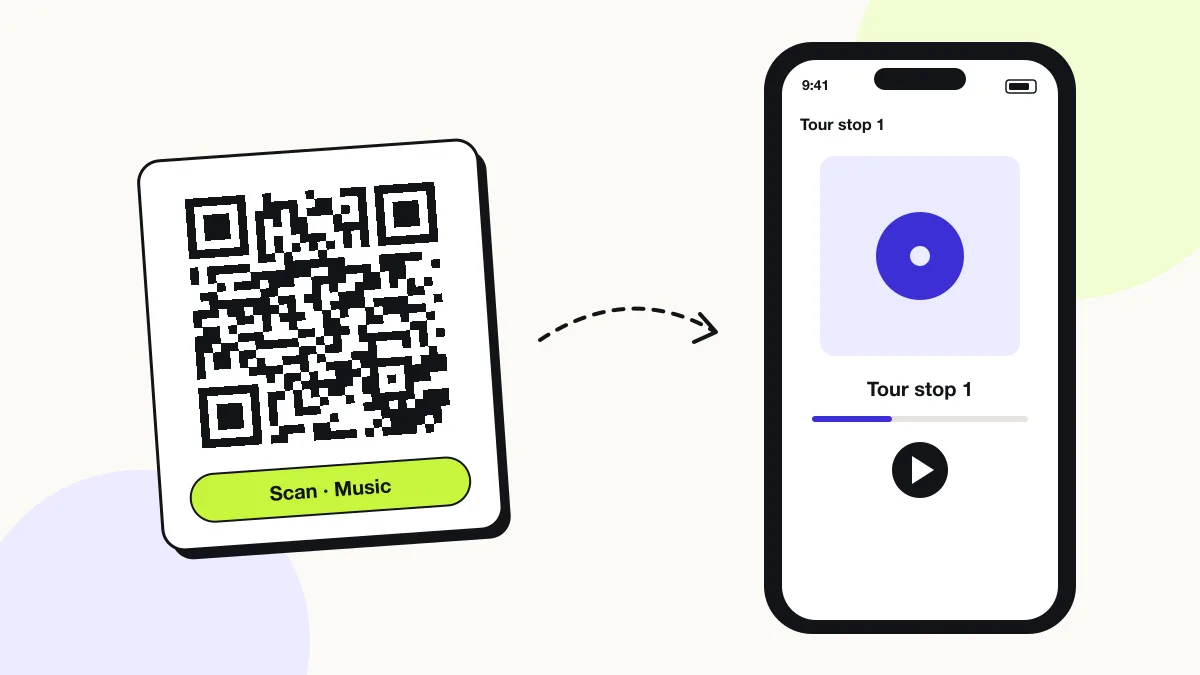
iPhone
Safari opens MP3 links in a full-screen audio player; playback continues with the screen locked.
Android
Chrome shows an inline audio player with play, seek and download controls.
SoundCloud and Bandcamp
Track links open the installed app or the mobile site, where the listener taps play once.
How many scans does a free music QR code get?
A free account gets 200 scans a month across all its codes; Pro removes the limit for $30 a year. One scan is one phone opening the code. Each code uses a QRJiffy short link, so you can change where it points after printing and see scan counts. Compare Free and Pro.
Where to use music QR codes
Music QR codes work in 4 common places: album sleeves and merch, museum and city audio guides, greeting cards and gifts and language learning.
Album sleeves and merch
A code on a vinyl sleeve, poster or T-shirt plays the track or demo.
Museum and city audio guides
One code per stop plays the narration for that exhibit or landmark.
Greeting cards and gifts
A card plays a recorded voice message or a dedicated song.
Language learning
Worksheets and flashcards play the correct pronunciation.
Music QR code best practices
A music QR code scans first time when it follows these 5 rules.
- Export at 128 kbps MP3 for speech and 192 kbps for music; higher bitrates add load time without audible gain on phone speakers.
- Trim silence at the start — listeners abandon audio that is silent for more than 3 seconds.
- Add the track title and length beside the code, for example “Scan to listen · 2:45”.
- Use SoundCloud or Bandcamp when you want plays counted; use a plain MP3 for private messages.
- Test playback with the phone locked; iPhone keeps playing, some Android browsers pause.
Music QR code FAQ
Can a QR code store a song?
No. A QR code stores at most 2,953 bytes, and a song is about 3 MB, so the code stores the song’s link.
Do music QR codes need an app to play?
No. MP3 links play in the phone browser’s built-in audio player straight from the camera scan.
Can I use a QR code for a Spotify song?
Yes. A Spotify track, album or playlist link opens the Spotify app; use the Spotify QR code generator for those links.
Does an audio QR code play in the background?
No. The browser or app plays the track while it stays open; locking the phone pauses most browser players.