 QRJiffy
Event QR Code Generator
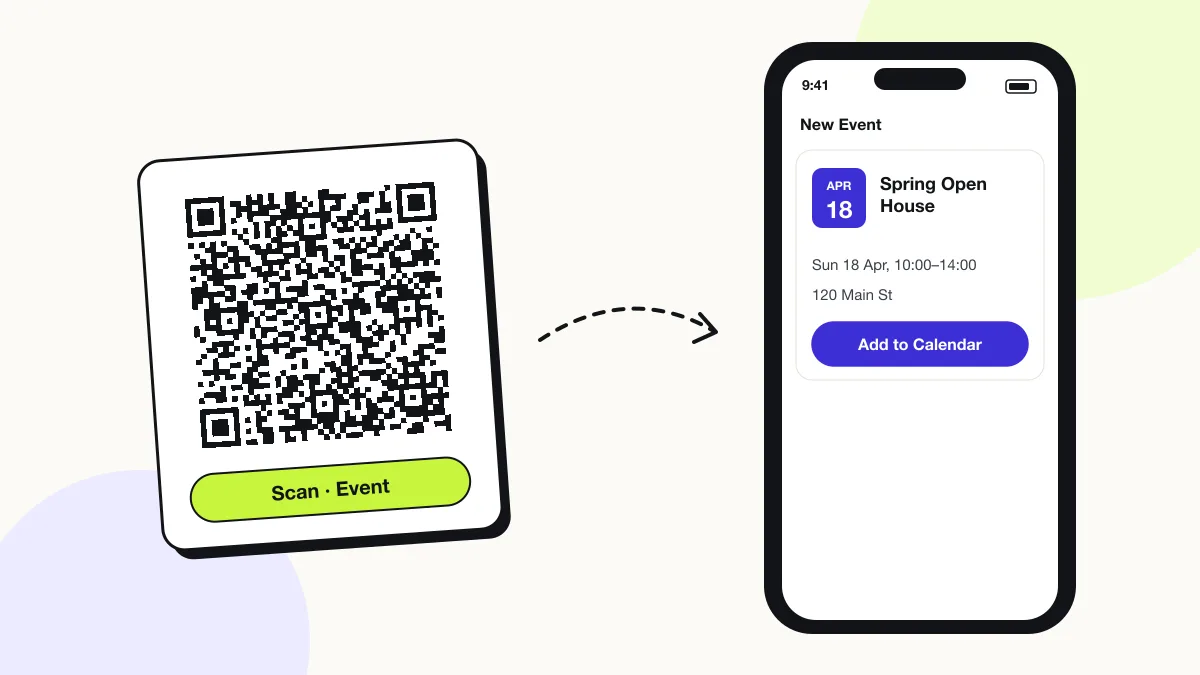
An event QR code adds an event’s title, date, time and location to the scanner’s calendar. It stores an iCalendar VEVENT, so the phone offers “Add to Calendar” with every detail filled in. Attendees then get their calendar’s usual reminder.
Just your email to download · no password needed
Phones read this code directly, so it has no scan count.
Encoded data
How to create an event QR code
You create an event QR code in 4 steps with the free generator above, and the code is ready to download as PNG or SVG.
- Enter the event title.
- Pick the start and end date and time.
- Add the venue location and a one-line description.
- Scan the preview with your phone and check the calendar entry before printing.
What does an event QR code contain?
An event QR code stores event title, start date and time, plus optional end date and time, location, description.
| Payload standard | iCalendar VEVENT (RFC 5545) |
|---|---|
| Native camera support | iPhone iOS 11+ (Add to Calendar); Android via Google Lens on most phones |
| Needs internet to use | No — the event is stored in the code |
| Editable after printing | No |
| Scan tracking | Not possible |
| Recommended error correction | M (15%) |
| Minimum print size | 2.5 × 2.5 cm (1 in) with a description |
| Field | Required | What it does | Example |
|---|---|---|---|
| Event title | Yes | The calendar entry name. | Spring Open House |
| Start date and time | Yes | When the event begins, in local time. | 18 Apr 2027, 10:00 |
| End date and time | Optional | When it ends; calendars default to 1 hour without it. | 18 Apr 2027, 14:00 |
| Location | Optional | Venue address, tappable in the calendar entry. | 220 Market St, San Francisco |
| Description | Optional | Agenda, parking or dress-code notes. | Tours every 30 minutes. |
Event QR code payload format
BEGIN:VEVENT
SUMMARY:<title>
DTSTART:<YYYYMMDDTHHMMSS>
DTEND:<YYYYMMDDTHHMMSS>
LOCATION:<place>
DESCRIPTION:<details>
END:VEVENT
BEGIN:VEVENT
SUMMARY:Spring Open House
DTSTART:20270418T100000
DTEND:20270418T140000
LOCATION:220 Market St\, San Francisco
END:VEVENT
VEVENT is the event block from iCalendar (RFC 5545). Times without a time zone are “floating”: they show at the same clock time in every time zone, which suits local events.
Format reference: RFC 5545: iCalendar (IETF)

Do event QR codes work on Android?
Yes, on most Android phones Google Lens reads the event and offers Add to calendar, though some manufacturer camera apps display only the raw text.
Can an event QR code be used as a ticket?
No, an event QR code saves the event to a calendar; a ticket QR code holds a unique ID that a ticketing system checks at the door.
Which time zone does an event QR code use?
QRJiffy stores floating local time, so the event shows at the same clock time on every phone — correct for in-person events.
What happens when someone scans an event QR code?
The phone camera decodes an event QR code in under a second and shows a prompt; tapping it starts the action stored in the code. The prompt differs by device:
iPhone
The Camera banner reads “Add to Calendar”; tapping it opens a filled-in event in the Calendar app.
Android
Google Lens shows the event with an Add to calendar action on most phones. Some manufacturer camera apps show the raw text instead — test on the phones your audience uses.
Reminders
The saved event uses the person’s default calendar alert, for example 30 minutes before.
Is there a scan limit on an event QR code?
No, an event QR code has no scan limit, because the phone reads the details straight from the pattern without visiting QRJiffy. That also means it works offline but cannot be edited or counted after printing; print a new code when the details change.
Where to use event QR codes
Event QR codes work in 4 common places: posters and flyers, wedding invitations, school notices and trade show booths.
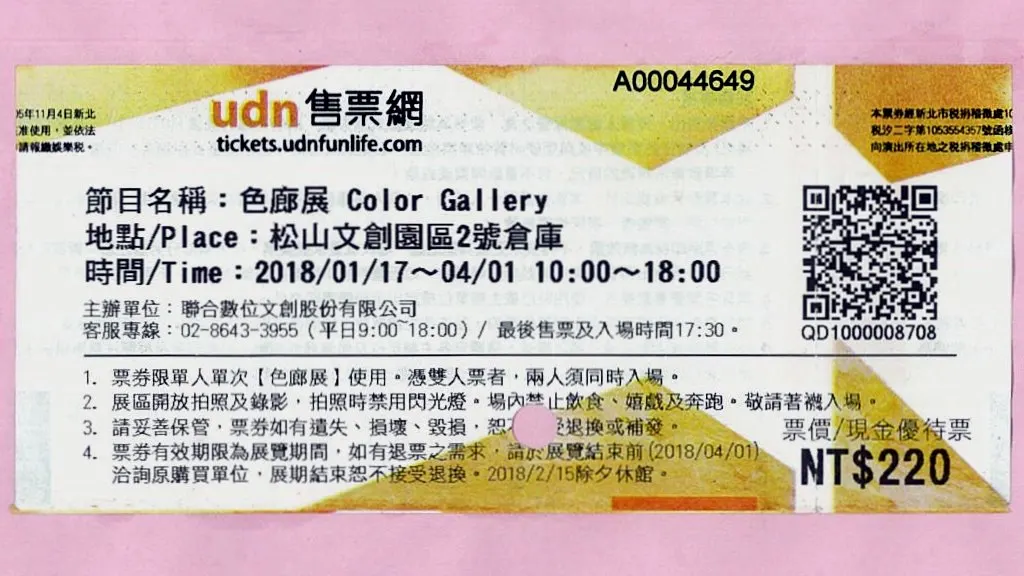
Posters and flyers
Concert and workshop posters put the date straight into calendars.
Wedding invitations
Guests save the ceremony time and venue from the invitation card.
School notices
Parents add parent-teacher evenings and sports days in one scan.
Trade show booths
Visitors save your talk or demo slot.
Event QR code best practices
An event QR code scans first time when it follows these 4 rules.
- Always set an end time — calendars otherwise assume 1 hour.
- Write the venue as a full address so it opens in Maps from the calendar.
- Keep the description under 100 characters to keep the code small.
- Print the date and time in text beside the code for people who do not scan.
Event QR code FAQ
Can I add a reminder to an event QR code?
No. The scanner’s calendar applies its own default alert to the saved event.
Can an event QR code include a link?
Yes. Put the URL in the description; calendar apps make it tappable.
Does the event save in the right time zone?
Yes, when you enter the time for the venue’s location. Calendars convert it to each guest’s local time.
Can I change the date after printing?
No. A new date needs a new code, because the date is stored inside it.