 QRJiffy
Video QR Code Generator
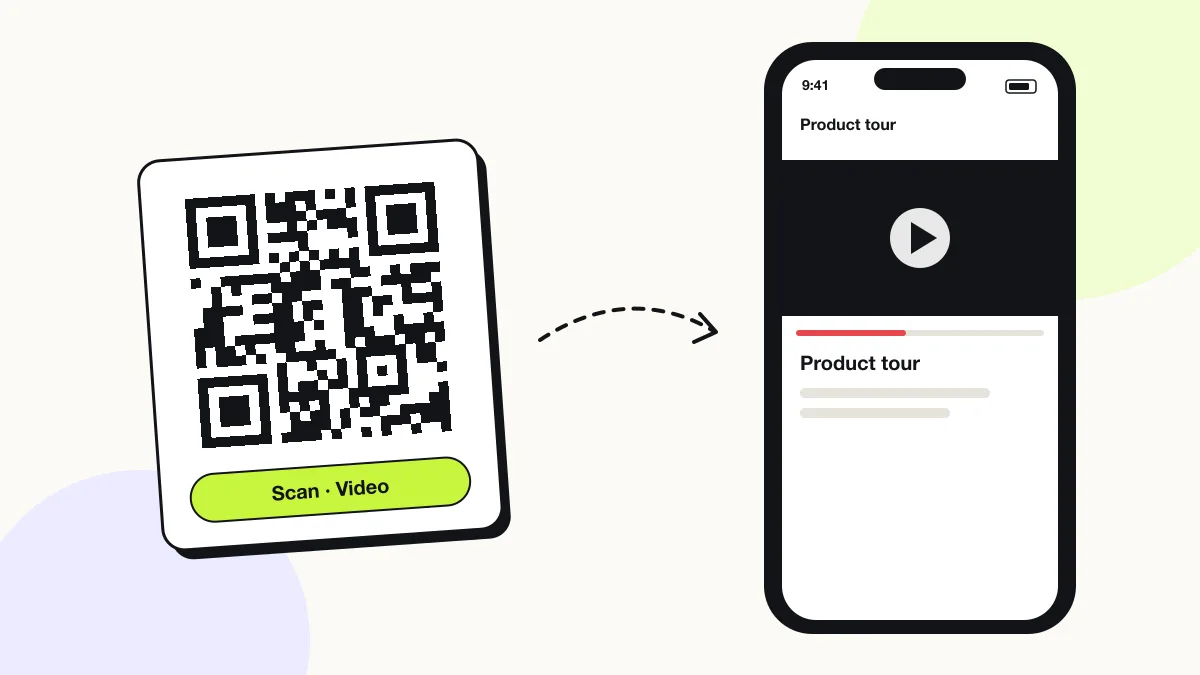
A video QR code plays a video on the phone that scans it, by storing the address of an MP4 file or a video page such as Vimeo, Loom or Google Drive. Tutorials, product demos, greetings and event recordings start playing in one scan. MP4 files play in the browser’s own player; Vimeo, Loom and Google Drive links open their mobile players.
Just your email to download · no password needed
Short link:
Change where it points any time — the printed code stays the same. Free for 200 scans a month.
Encoded data
How to create a video QR code
You create a video QR code in 5 steps with the free generator above, and the code is ready to download as PNG or SVG.
- Upload the video to a public host: Vimeo, Loom, Wistia, your website or Google Drive (Share › Anyone with the link).
- Open the link on a phone in a private window to confirm it plays without a sign-in.
- Paste the link into the Link to your video field.
- Download the code as SVG for print or PNG for screens.
- Scan the code on mobile data, not WiFi, to check real-world loading time.
What does a video QR code contain?
A video QR code stores video link, plus optional video format, colours, error correction.
| Payload standard | URL of an MP4/WebM file or a video page |
|---|---|
| Native camera support | iPhone iOS 11+, Android 9+ (plays in the browser or the video app) |
| Needs internet to use | Yes — the phone streams the video |
| Change after printing | Yes — upload a new video or change the link in your QRJiffy dashboard |
| Scan tracking | QRJiffy dashboard scans, plus the video host’s view count |
| Recommended error correction | M (15%) indoors, Q (25%) outdoors |
| Minimum print size | 2 × 2 cm (0.8 in) for links under 50 characters |
| Field | Required | What it does | Example |
|---|---|---|---|
| Video link | Yes | Public address of the video file or page. It plays without a login. | https://vimeo.com/123456789 |
| Video format | Optional | MP4 with H.264 video plays on every iPhone and Android browser. MOV and AVI files often download instead of playing. | MP4 (H.264) |
| Colours | Optional | Foreground and background of the code. Keep it dark on light. | #121417 on #FFFFFF |
| Error correction | Optional | Damage tolerance: L 7%, M 15%, Q 25%, H 30%. | M |
Video QR code payload format
https://<host>/<video>.mp4 | <video page URL>
https://vimeo.com/123456789
One minute of 1080p video is about 100 MB; a QR code holds 2,953 bytes. The code therefore stores the video’s address, never the video. A direct .mp4 link plays in the browser’s own player with no page around it.
Format reference: RFC 3986: URI generic syntax (IETF)

Can I turn an MP4 file into a QR code?
Yes — upload the MP4 to QRJiffy (up to 25 MB) or any public host, and the code plays that MP4 on scan.
The MP4 itself never goes inside the code. Website hosting, Google Drive and Dropbox all give an MP4 a public link. Encode it as H.264 at 720p for files about 4 times smaller than 4K with no visible loss on a phone screen.
Is there a size limit for a video QR code?
No — the code sets no video size limit, because it stores only the link; the hosting service sets the limit.
| Host | Free upload limit | Plays inline on phones |
|---|---|---|
| Google Drive | 15 GB total storage | Yes (preview player) |
| Vimeo Basic | 1 GB storage | Yes |
| Loom Starter | 5-minute videos | Yes |
| Your website | Your hosting plan | Yes for MP4 |
Should a video QR code link to YouTube or to an MP4?
A YouTube link opens the YouTube app with ads and suggestions; a direct MP4 link plays only your video in the browser’s plain player.
Choose YouTube for reach and subscriptions. Choose MP4 or Vimeo for product demos, training and private messages, where unrelated suggested videos distract the viewer.
What happens when someone scans a video QR code?
The phone camera decodes a video QR code in under a second and shows a prompt; tapping it starts the action stored in the code. The prompt differs by device:
iPhone
The Camera banner opens the link in Safari; MP4 files play in the native full-screen player, Vimeo and Loom open their mobile pages.
Android
Chrome plays MP4 files inline; Vimeo and Drive links open in the installed app if present, otherwise in the browser.
Autoplay
Phone browsers block autoplay with sound, so viewers tap play once. Videos marked muted start on their own.
How many scans does a free video QR code get?
A free account gets 200 scans a month across all its codes; Pro removes the limit for $30 a year. One scan is one phone opening the code. Each code uses a QRJiffy short link, so you can change where it points after printing and see scan counts. Compare Free and Pro.
Where to use video QR codes
Video QR codes work in 4 common places: product demos, training and onboarding, greeting cards and gifts and real-estate tours.
Product demos
Packaging and shelf tags play a 60-second demo in the store aisle.
Training and onboarding
Codes on machines and workstations open the matching how-to video.
Greeting cards and gifts
A printed card plays a recorded video message.
Real-estate tours
A yard sign opens a walk-through video of the property.
Video QR code best practices
A video QR code scans first time when it follows these 5 rules.
- Export videos as MP4 (H.264, AAC audio) for playback on every phone.
- Keep demo videos under 90 seconds; viewers scan while standing.
- Add captions; phone viewers in shops, trains and offices start videos with the sound off.
- Host at 720p for phones; 4K files take about 4 times longer to start on 4G.
- Print “Scan to watch (1 min)” next to the code so viewers know the length.
Video QR code FAQ
Do video QR codes work without an app?
Yes. iPhone and Android cameras open video links in the browser or the matching video app without any QR app.
Can I change the video after printing the code?
Yes. Upload a new video or paste a new link in your QRJiffy dashboard; the printed code opens the new video from the next scan.
Why does my video QR code say the video is unavailable?
The video was deleted or set to private. Unlisted works; private blocks everyone who is not signed in as an invited viewer.
Can a video QR code play offline?
No. The phone streams the video from its host, so the viewer needs mobile data or WiFi.