 QRJiffy
Link to QR Code Generator (URL & Website)
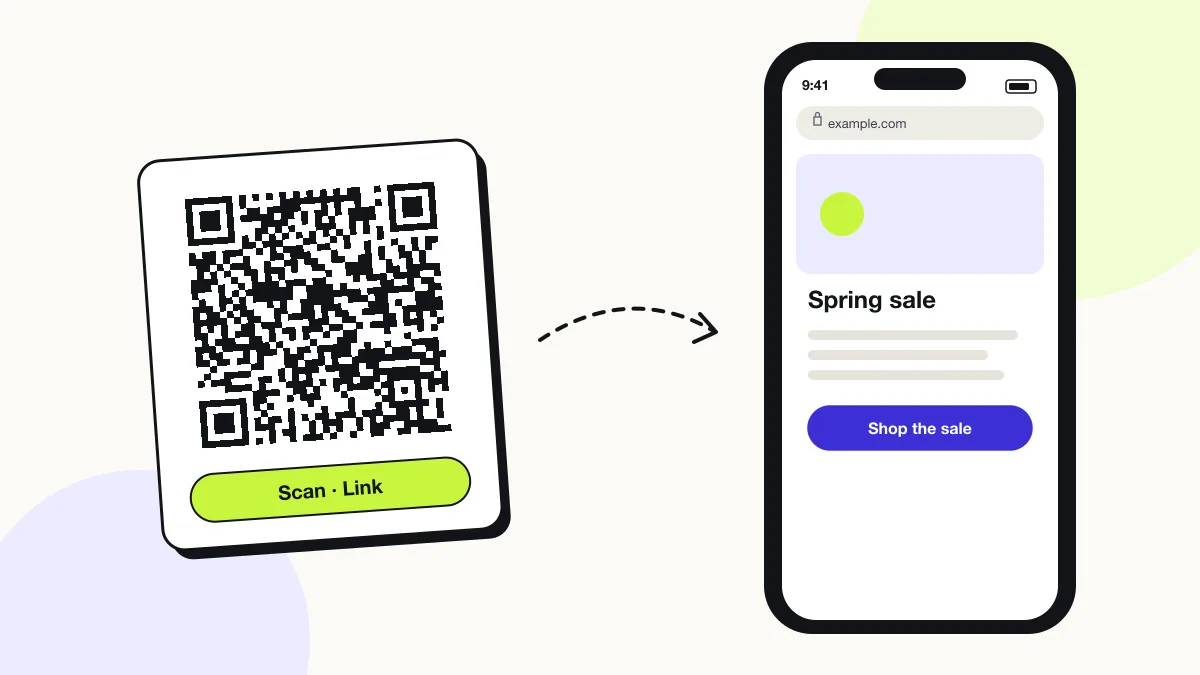
A link QR code opens a web address in the phone’s browser the moment a camera scans it. It stores a URL (Uniform Resource Locator) as plain text, so it works for any website, product page, form or file link. iPhone and Android cameras read it without an app.
Just your email to download · no password needed
Short link:
Change where it points any time — the printed code stays the same. Free for 200 scans a month.
How to create a link QR code
You create a link QR code in 5 steps with the free generator above, and the code is ready to download as PNG or SVG.
- Copy the link from your browser’s address bar.
- Paste it into the Link (URL) field — the preview updates as you type.
- Open Show encoded data to confirm the exact link stored in the code.
- Choose a dark code colour on a light background, and raise error correction to Q for outdoor print.
- Download SVG for print or PNG for screens, then scan the file with your own phone.
What does a link QR code contain?
A link QR code stores destination link, plus optional UTM parameters, colours, error correction.
| Payload standard | Plain URL (RFC 3986), stored as UTF-8 text |
|---|---|
| Native camera support | iPhone iOS 11+, Android 9+ (Google Lens / camera) |
| Needs internet to use | Yes — the scanner loads a web page |
| Change after printing | Yes — change the destination in your QRJiffy dashboard; the printed code stays the same |
| Scan tracking | Scans by day, device and country in your QRJiffy dashboard |
| Recommended error correction | M (15%) indoors; Q (25%) or H (30%) outdoors or with a logo |
| Minimum print size | 2 × 2 cm (0.8 in) for links under 50 characters |
| Field | Required | What it does | Example |
|---|---|---|---|
| Destination link | Yes | The full web address the scanner opens, including https://. | https://example.com |
| UTM parameters | Optional | Optional campaign tags that also show QR visits in Google Analytics. | ?utm_source=qr |
| Colours | Optional | Foreground and background colour. A dark code on a light background scans fastest. | #121417 on #FFFFFF |
| Error correction | Optional | The share of the code that can be damaged and still scan: L 7%, M 15%, Q 25%, H 30%. | M |
Link QR code payload format
https://<domain>/<path>?<query>
https://example.com/spring-sale?utm_source=qr&utm_medium=poster
QRJiffy prints a short qrjiffy.com link that forwards to this address, so a 100-character link makes the same sparse code as a 20-character one, and you change the destination after printing.
Format reference: RFC 3986: URI generic syntax (IETF)

How do I convert a link to a QR code?
Paste the link into the generator above and download the QR code as PNG or SVG — the conversion happens instantly in your browser.
The download holds a short QRJiffy link that forwards to your URL, so you change the destination later without reprinting. The code works without a QRJiffy account; a free account shows its scans.
Can Google Chrome make a QR code for a link?
Yes, Chrome on desktop creates a basic QR code for the open page through Share › Create QR code.
Chrome’s code has a fixed design and a PNG-only download. QRJiffy adds colours, error-correction levels and an SVG file for print. The Google QR code generator guide compares both.
How long can a link in a QR code be?
A QR code holds up to 2,953 bytes, but links longer than about 300 characters create codes too dense to scan when printed small.
| Link length | QR version | Modules per side |
|---|---|---|
| Up to 14 characters | 1 | 21 × 21 |
| Up to 42 characters | 3 | 29 × 29 |
| Up to 106 characters | 6 | 41 × 41 |
| Up to 213 characters | 10 | 57 × 57 |
What happens when someone scans a link QR code?
The phone camera decodes a link QR code in under a second and shows a prompt; tapping it starts the action stored in the code. The prompt differs by device:
iPhone
The Camera app shows a yellow banner with the link’s domain. Tapping it opens Safari or the default browser. iOS 11 and later read QR codes natively.
Android
The camera app or Google Lens shows the link and opens it in Chrome or the default browser. Android 13 adds a QR scanner tile in Quick Settings.
App links
A link to YouTube, Instagram or another installed app opens that app instead of the browser, through iOS universal links and Android app links.
How many scans does a free link QR code get?
A free account gets 200 scans a month across all its codes; Pro removes the limit for $30 a year. One scan is one phone opening the code. Each code uses a QRJiffy short link, so you can change where it points after printing and see scan counts. Compare Free and Pro.
Where to use link QR codes
Link QR codes work in 4 common places: posters and flyers, product packaging, slides and handouts and shop windows.
Posters and flyers
Send passers-by to an event page, sign-up form or sale in one scan.
Product packaging
Link setup guides, warranty registration and reorder pages from the box.
Slides and handouts
Put the deck link or a feedback form on the final slide so the audience opens it from their seats.
Shop windows
Point after-hours visitors to the online store, opening hours or booking page.
Link QR code best practices
A link QR code scans first time when it follows these 5 rules.
- Keep links short: every 20 extra characters adds modules and makes the code denser.
- Print the code at least 2 × 2 cm (0.8 in), and 1/10 of the scanning distance for posters (30 cm wide for 3 m).
- Leave a blank quiet zone of 4 modules on every side.
- Write a call to action next to the code, for example “Scan to see the menu”.
- Test the destination on a phone: a slow page loses the visitor the scan just won.
Link QR code FAQ
What happens if the website behind a link QR code goes offline?
The scan still opens the browser, but the page shows an error. Keep the URL live, or redirect it to the new address on your own server.
Can I change the link after printing the QR code?
Yes. Change the destination in your QRJiffy dashboard and the printed code opens the new page from the next scan.
Do I need an app to scan a link QR code?
No. The built-in camera on iPhone (iOS 11+) and Android (Android 9+ with Google Lens) opens link QR codes without any app.
Can I track scans of a link QR code?
Yes. Your QRJiffy dashboard counts every scan by day, device, browser and country. UTM parameters add the visits to Google Analytics as well.