 QRJiffy
Zelle QR Code: How to Find, Share and Scan It
Your Zelle QR code is inside your bank’s app or the Zelle app, under Send & Receive › your profile or the QR icon. Zelle has no public payment link, so a third-party generator cannot create one. This guide shows where to find the code, how to print it and how to pay with it safely.
Updated · QRJiffy team
How do I find my Zelle QR code?
Open your bank’s mobile app, go to the Zelle section and tap the QR code icon or your profile name. The exact menu differs by bank, but the path follows the same 4 steps:
- Open your bank app (for example Chase, Bank of America or Wells Fargo) and sign in.
- Tap Pay & Transfer or Send & Receive, then Send with Zelle.
- Tap the QR code icon, or your name in the Zelle header.
- Choose My code to display, save or share your Zelle QR code.
Can a QR code generator make a Zelle QR code?
No, a QR code generator cannot make a Zelle QR code, because Zelle offers no public pay link or URL format. Zelle codes are read only by the Zelle scanner inside banking apps. A code made elsewhere would open a web page, not a Zelle payment. QRJiffy does not offer a Zelle generator for that reason.
How do I print my Zelle QR code?
Save the code from your bank app as an image, then print it at least 3 × 3 cm on a sign or card. Steps:
- In the Zelle My code screen, tap Share or Save to Photos.
- Insert the image into a document or design and add your name, so payers can match it in the app.
- Print on matte paper and scan the printout with a second phone before you put it out.
Keep the screenshot uncropped around the code: Zelle needs a blank margin to scan.
How do I pay someone with a Zelle QR code?
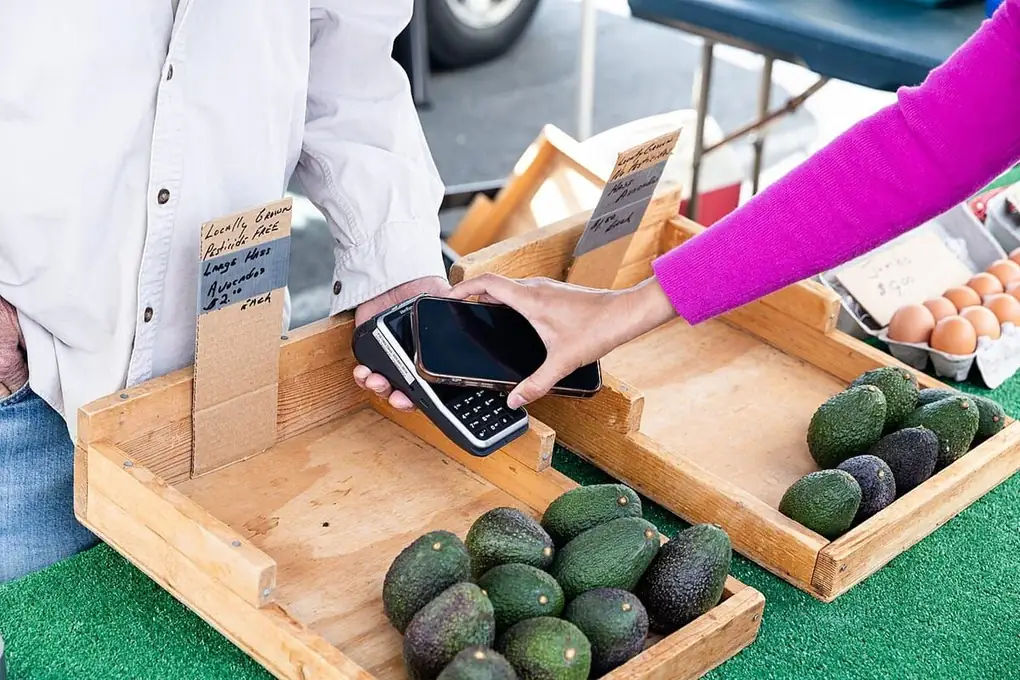
Open Zelle in your bank app, tap the QR icon, scan the payee’s code and confirm the name before you send. The iPhone Camera and Google Lens do not open Zelle codes; the scan must start inside the banking app. Zelle payments arrive in minutes and cannot be cancelled once the payee is enrolled.
Are Zelle QR codes safe?
Zelle QR codes are safe when you scan a code from someone you know and confirm their name before sending, because Zelle payments cannot be reversed. Scammers place fake codes on signs and send codes in messages. Rules that prevent losses:
- Pay only people and businesses you know and trust.
- Check that the name in the app matches the person or business in front of you.
- Never scan a Zelle code to “receive” money; receiving needs no scan.
The QR code scams guide lists the warning signs in more detail.
Which payment QR codes can you generate yourself?
You can generate QR codes for 4 payment apps with public pay links: Venmo, PayPal, Cash App and UPI. Each one encodes a link that opens the app with your username filled in:
- Venmo QR code generator: opens your Venmo profile.
- PayPal QR code generator: opens your PayPal.Me link with an optional amount.
- Cash App QR code generator: opens your $Cashtag.
Create a free payment QR code for Venmo, PayPal or Cash App with the free QRJiffy QR code generator.
Frequently asked questions
Can I make a Zelle QR code online?
No, a working Zelle QR code comes only from the Zelle feature inside your bank’s app or the Zelle app. Zelle publishes no pay-link format, so online generators cannot create a code that opens Zelle.
Does a Zelle QR code contain my bank account number?
No, a Zelle QR code contains the email address or US mobile number enrolled with Zelle, plus your name. It does not contain your account or routing number.
Can I use a Zelle QR code for my business?
Yes, if your bank enrols your business account in Zelle for small business. Some banks limit how much a business can receive per day, so check the limits in your bank’s app.
Does Zelle charge a fee to pay by QR code?
No, Zelle charges no fee to send or receive money, whether you type the recipient or scan a QR code. Some banks set their own rules, so check your bank’s terms.
Sources
- How do I use a Zelle® QR code? — Zelle
- Digital payment education — Zelle
- Cybercriminals tampering with QR codes to steal victim funds (PSA I-011822-PSA) — FBI Internet Crime Complaint Center