 QRJiffy
QR Codes for Schools and Classrooms
A classroom QR code is a QR code on a worksheet, door or slide that opens a form, video or document so students reach it without typing a link. Teachers use them for attendance, homework and parent communication. Paste a link below and print the code on handouts or project it on screen.
Just your email to download · no password needed
Short link:
Change where it points any time — the printed code stays the same. Free for 200 scans a month.
How do you make a QR code for schools?
You make a QR code for schools in 5 steps with the free generator above.
- Create the resource: a Google Form for attendance, a video, or a shared document.
- Copy its share link and paste it into the field above.
- Download the code as PNG for slides or SVG for printed worksheets.
- Print or display the code with a one-line instruction, such as “Scan to check in”.
- Test the code on a student device that is signed out of your account.
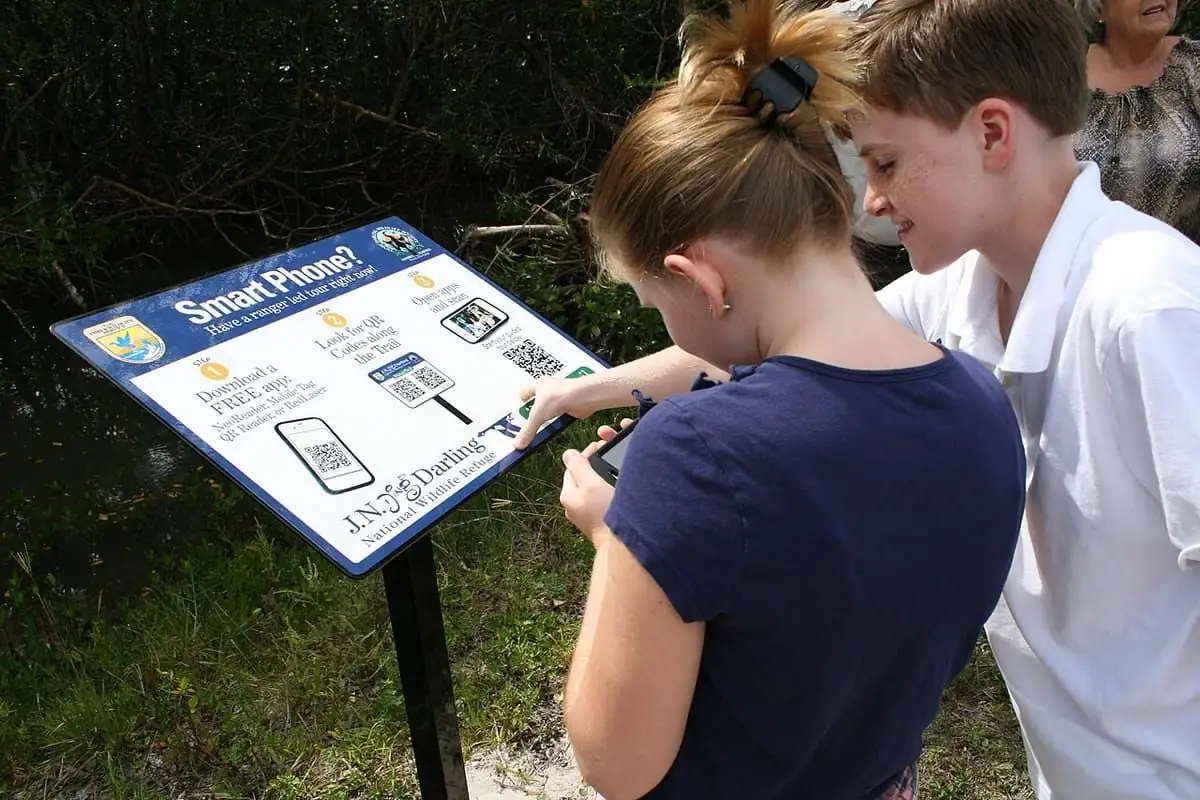
How do you take attendance with a QR code?
Students scan a QR code that opens a Google Form, enter their name, and the responses sheet records the time of each check-in.
- Create a Google Form with a name field and a class field.
- Turn on “Collect email addresses” for school accounts to block duplicate entries.
- Link the form to a Google Sheet to see check-in timestamps.
What are the best uses for QR codes in the classroom?
The 5 most common classroom uses are attendance, homework links, answer keys, library book reviews and parent newsletters.
| Use | QR code type | Where to print it |
|---|---|---|
| Attendance check-in | Google Form link | Classroom door |
| Homework video | Video or YouTube link | Worksheet header |
| Self-check answers | Text QR code | Bottom of worksheet |
| Book reviews | Video or audio link | Library book inside cover |
| Parent newsletter | PDF link | Take-home letter |
Are QR codes safe for students?
Yes, a QR code only opens the link the teacher chose; safety depends on that destination, not on the code.
QRJiffy never asks scanners to sign in or share personal details, so scanning a code shares no student data.
Schools QR code FAQ
Can students scan QR codes on Chromebooks?
Yes. ChromeOS includes a QR scanner in the Camera app, so students can scan codes on Chromebooks with a camera.
How big should a QR code be on a projector slide?
A projected QR code fills at least one tenth of the screen width so students at the back of a 10-metre room can scan it.
Can a QR code show an answer without internet?
Yes. A text QR code stores the answer inside the code, so it displays offline on any phone.
Do QR codes for schools cost money?
No. QRJiffy is free for 200 scans a month across all your codes, and Pro is $30 a year for unlimited scans.
QR code types used for schools
4 QR code types cover most schools uses: Google Forms QR code, Link QR code, Text QR code and PDF QR code.
Further reading: How to make a QR code · QR codes for other uses